Remove Clutter from Photos
Decor8 AI removes unwanted objects from your listing photos in seconds. Clean up cluttered rooms, remove outdated furniture, and create clean, spacious-looking images that let the property shine.
Clutter Ruining Your Listing Photos?
Sellers can't always perfectly stage their homes before photos. Personal items, extra furniture, and everyday clutter distract from the property itself. Asking sellers to declutter delays listings, and physical removal takes time.
Common Pain Points:
- 1Sellers resist removing personal items
- 2Kids' toys, pet beds, and clutter everywhere
- 3Extra furniture makes rooms look small
- 4Scheduling delays waiting for cleanup
- 5Dated or worn furniture hurts impressions
Remove Clutter Instantly with AI
Decor8 AI removes unwanted objects from your listing photos in seconds. Clean up cluttered rooms, remove outdated furniture, and create clean, spacious-looking images that let the property shine.
Instant Decluttering
Remove clutter from photos in seconds, not hours of physical cleanup.
Remove Anything
Furniture, personal items, pet supplies, toys—anything that distracts.
Seamless Results
AI fills removed areas naturally, maintaining realistic appearance.
No Seller Hassle
Skip the awkward "can you remove..." conversation with sellers.
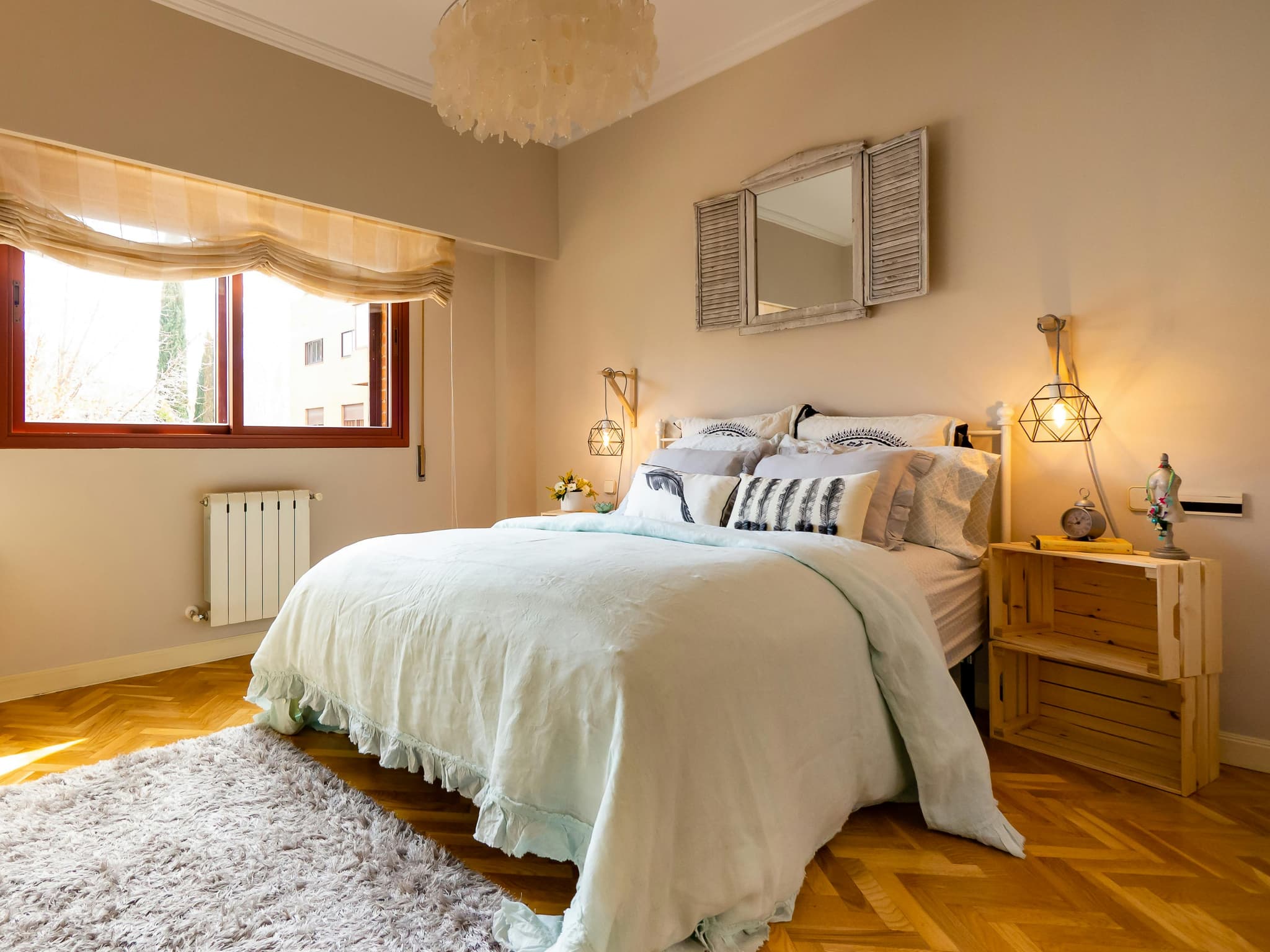
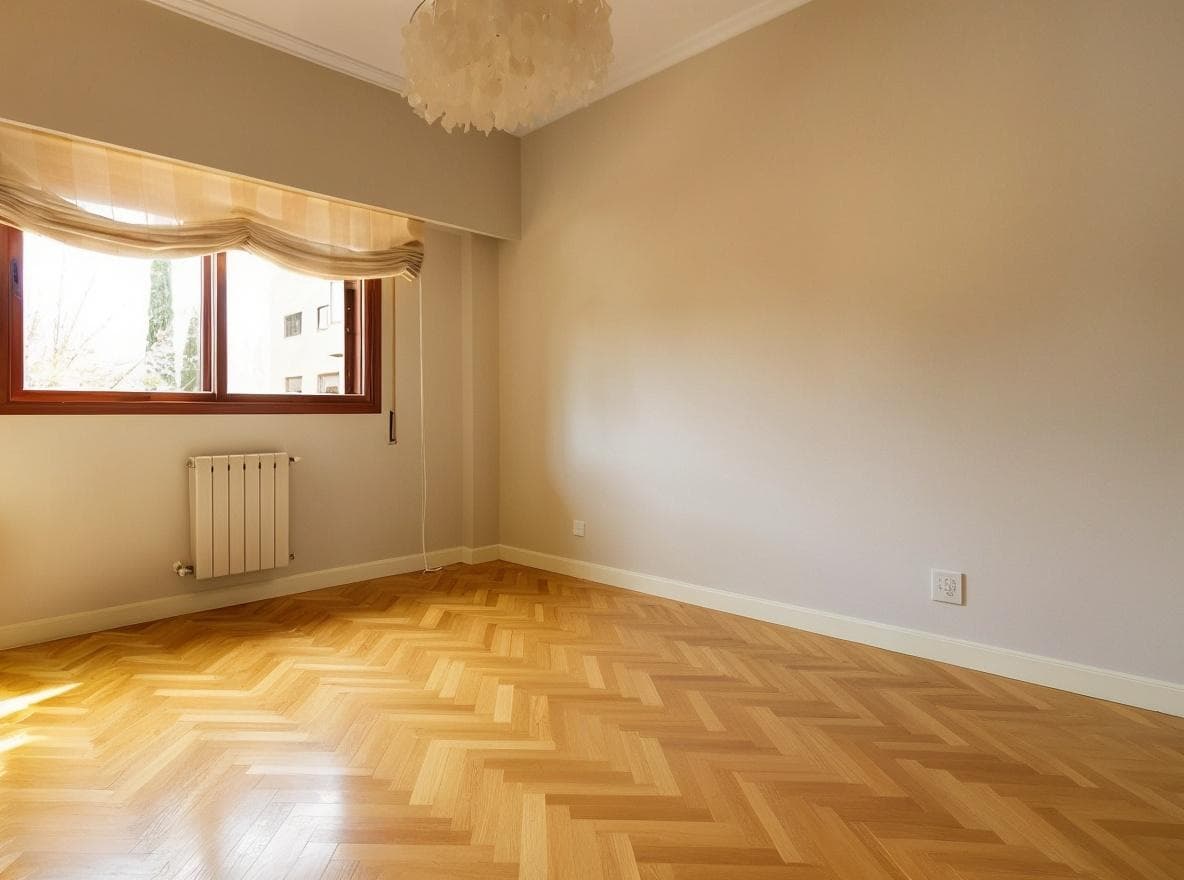
Before & After Results
See real transformations created with Decor8 AI. Upload your photo and get results like these in seconds.
Furniture Removal
Remove unwanted furniture and objects from property photos instantly.
Object Removal
Clean up photos by removing distracting objects.
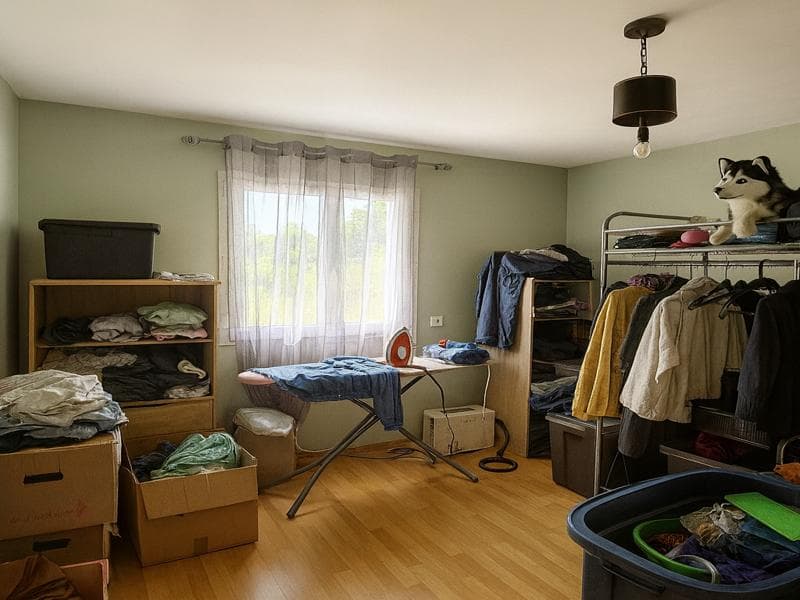
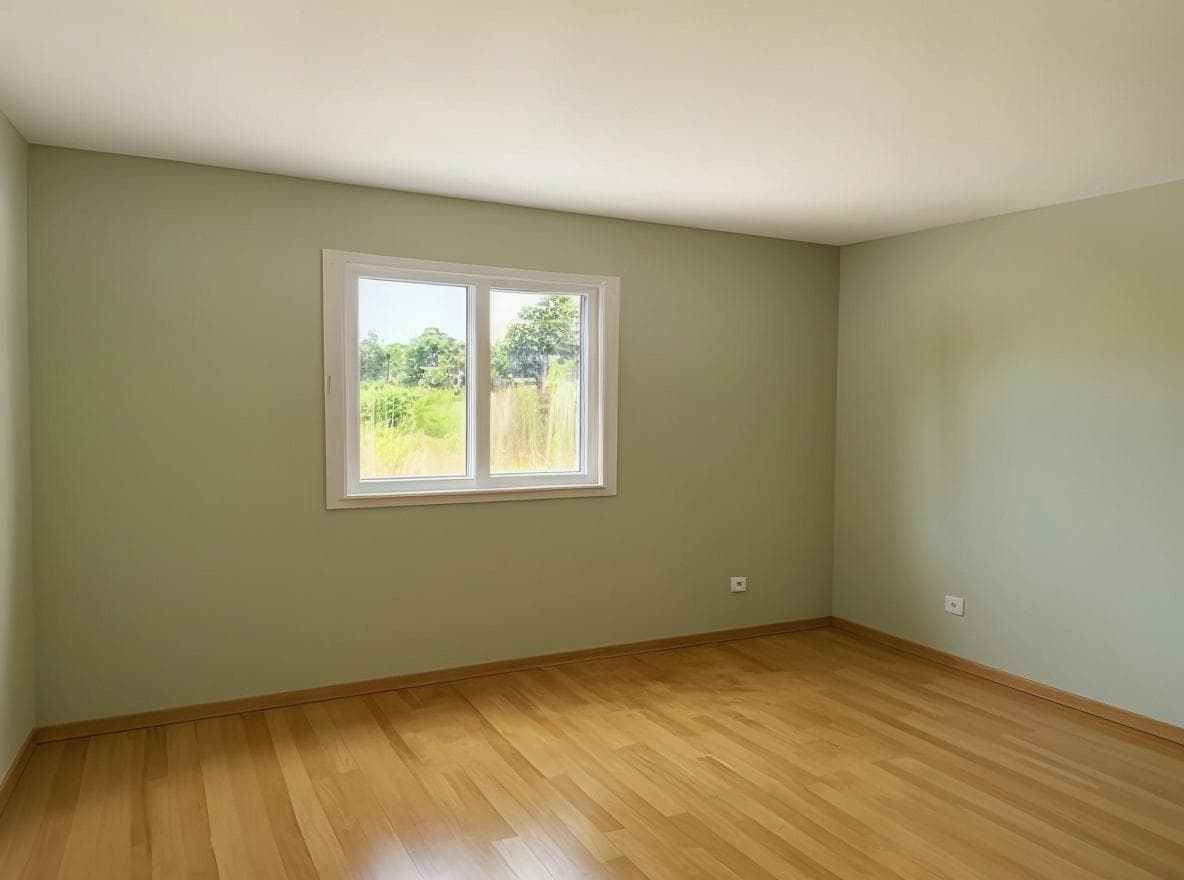
Declutter Photos
Remove clutter to showcase the true potential of any space.
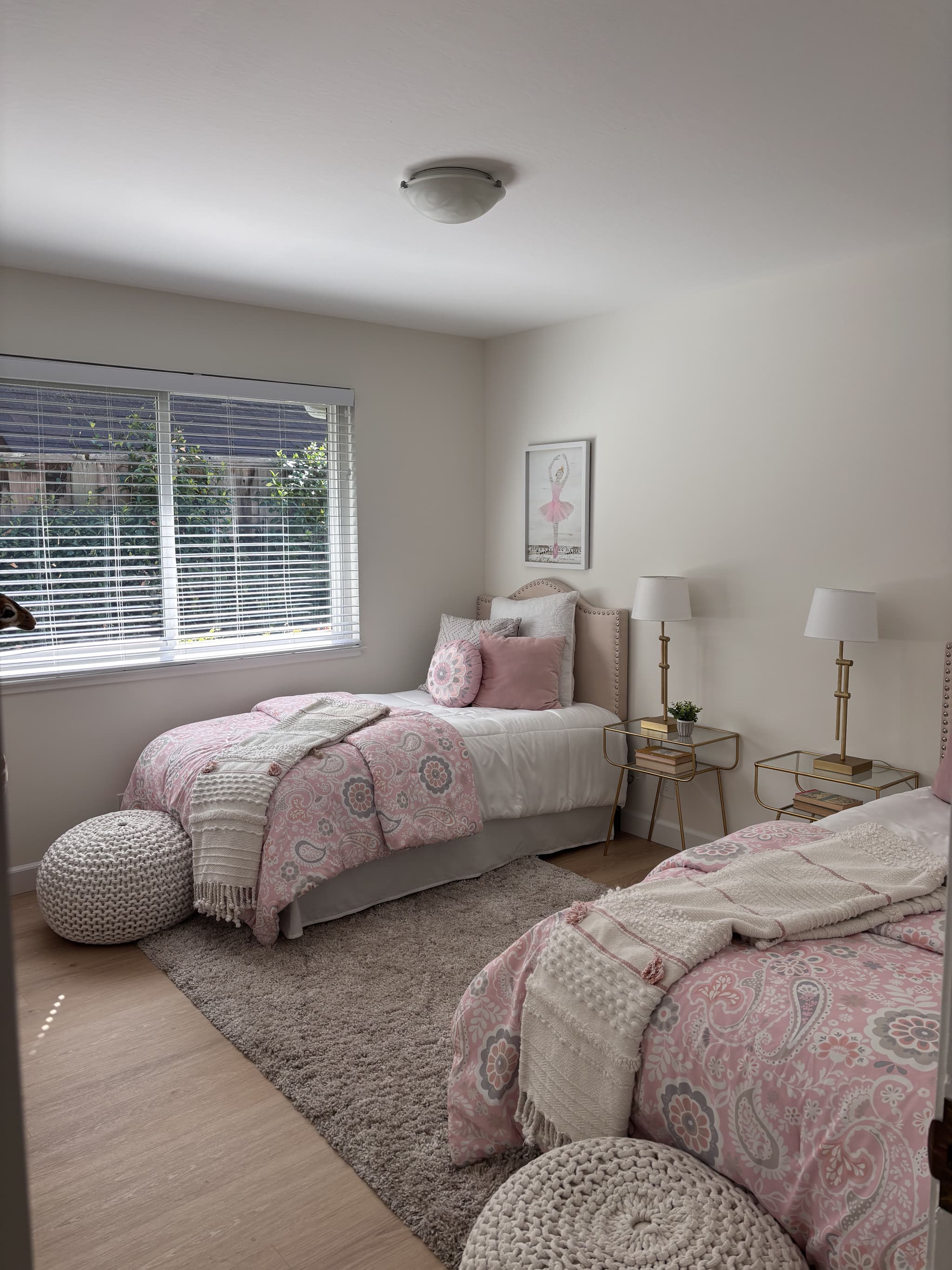
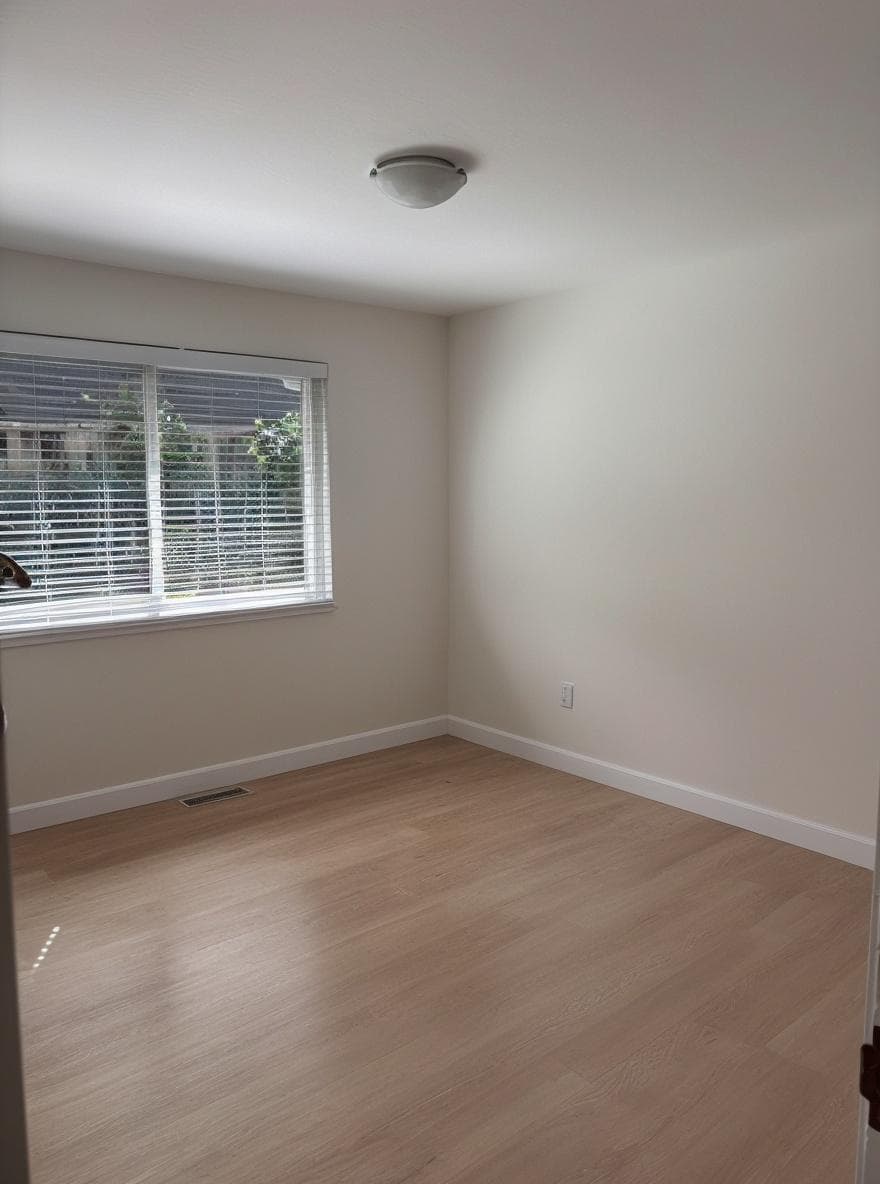
Clean Slate
Create clean, empty spaces ready for virtual staging.
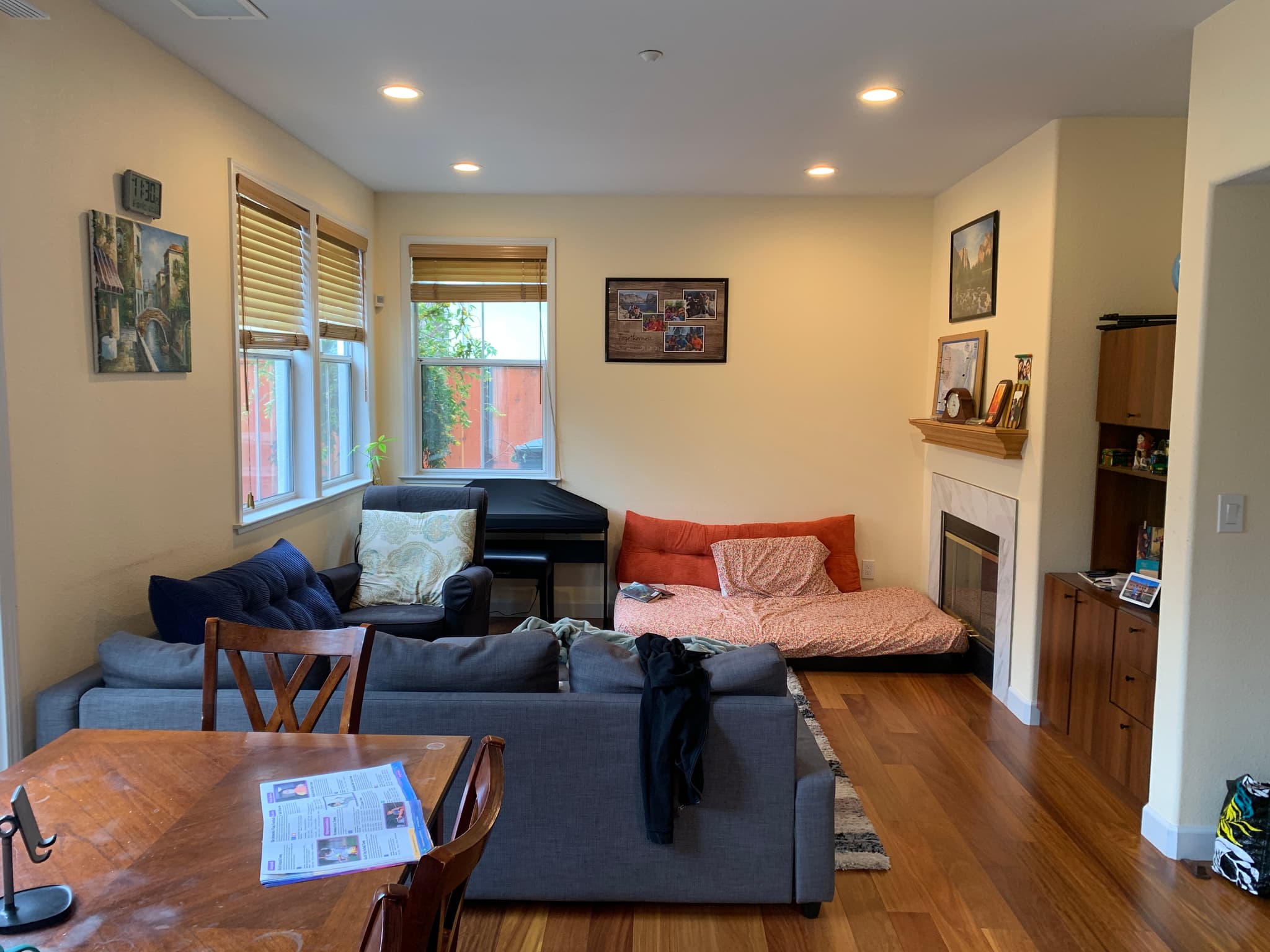
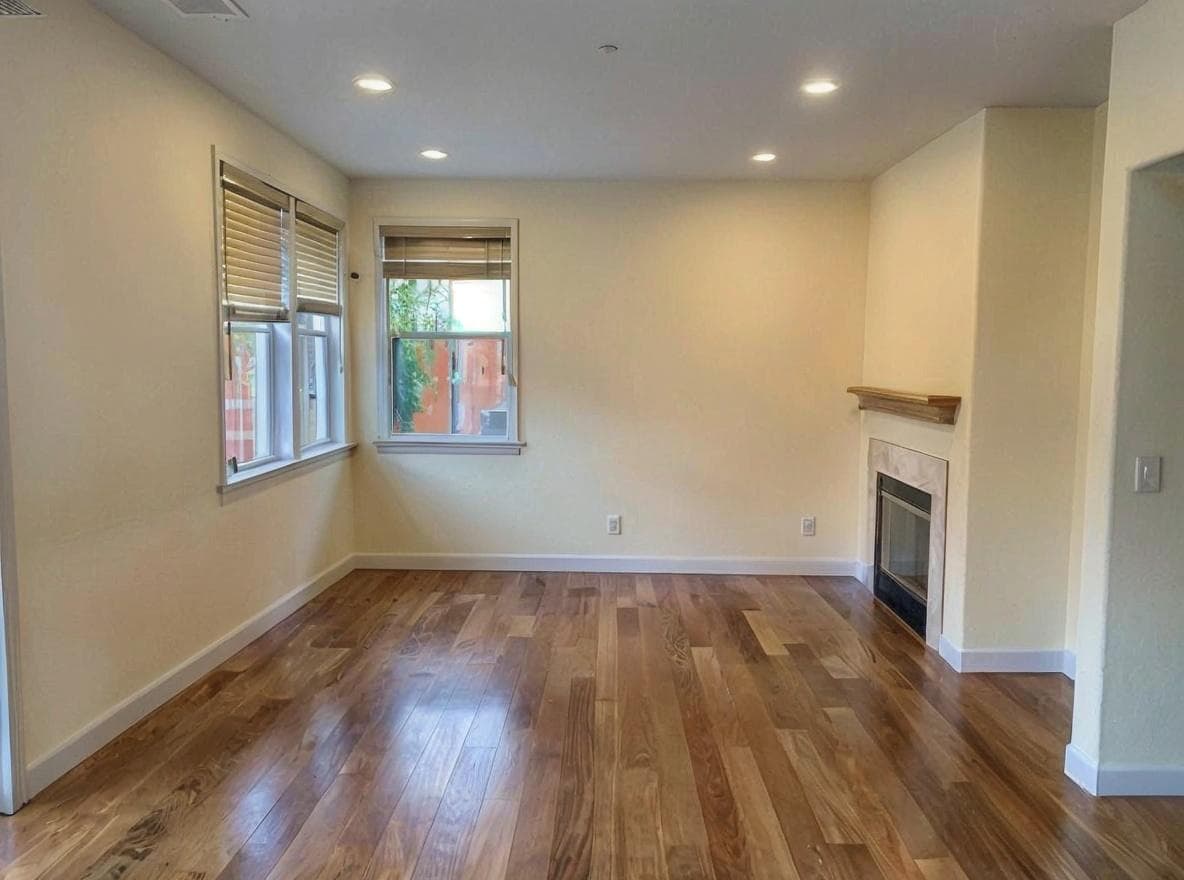
Interactive Comparison
Drag the slider to compare before and after
How It Works
Get professional results in just a few simple steps.
Upload Cluttered Photo
Upload the listing photo with items you want removed.
Mark Objects
Brush over items you want removed—furniture, clutter, anything.
Download Clean Image
Get a clean, decluttered photo ready for your listing.
Perfect For
See who benefits most from this solution.
Occupied Listings
Remove seller furniture to show the space clearly or prepare for virtual staging.
Quick Photo Fixes
Remove that forgotten laundry basket or pet bowl from an otherwise great shot.
Before Virtual Staging
Clear out existing furniture before applying fresh virtual staging.
Rental Turnovers
Quickly get clean photos even before the previous tenant fully moves out.
Try These Prompts
Copy and use these prompts with Decor8 AI to get started.
"remove all furniture from this room"
"declutter living room photo"
"remove personal items from bedroom listing"
"clean up messy kitchen photo"
"remove old furniture to show empty room"
Frequently Asked Questions
Related Solutions
Explore other AI-powered solutions that might help.
Property Photos Not Getting Attention?
Learn More about Professional Real Estate PhotosCan't Decide on the Right Paint Color?
Learn More about Choose the Right Paint ColorScared to Commit to a Renovation?
Learn More about Visualize Home Before RenovationRemove Clutter Now
Clean up listing photos in seconds. No physical cleanup required.